What Is a Wedding Website? The Complete Guide for Couples
Everything couples need to know about wedding websites: what they're for, what to put on them, how to make and share one, collecting RSVPs, privacy, timing and cost, with a real example site.
A wedding website is a simple website that a couple makes for their wedding. It holds everything guests need in one place: the date, the schedule, the venues with maps, travel tips, a way to RSVP and a few words and photos about the two of you. You send one link, and guests can check it whenever they need to, right up to the morning of the wedding.
This guide covers what a wedding website is for, what to put on it, how to make one, how to share it and collect RSVPs, how private it is, and when to do each step. Along the way we use a real example: the site for James and Anna's wedding in Bath (a sample couple we created for these guides).
Disclosure: Wedding Plan is our product and the examples come from it. Everything else in this guide applies whichever wedding website builder you use.
What is a wedding website?
Think of it as the invitation's back page that never runs out of space. A paper invitation can fit the date, the time and the venue. A wedding website can also hold the second venue, the parking instructions, the hotel suggestions, the dress code, the photos and the "can I bring my kids?" answer, and you can change any of it without reprinting anything.
Most wedding websites have the same building blocks:
- A cover with your names, the date and a photo.
- Events: each part of the day with time, venue, address and a map.
- RSVP: a form guests fill in to say whether they're coming and how many people they're bringing.
- Practical information: travel, accommodation, dress code, FAQ.
- The personal part: your story, photos, the wedding party, a guest book for messages.
It lives at an address like weddingplan.online/anna-and-james and opens in any browser. Guests don't install anything or create an account.
What a wedding website is not
People often mix up three things:
- A digital invitation is a card you send, usually one screen with the key details and an RSVP button. It's the "you're invited" moment.
- A wedding website is the reference guests come back to. It's where the details live.
- A wedding planning app is for the two of you: checklist, budget, guest list, vendors. Guests never see it.
Many couples use all three, and some tools combine them. In Wedding Plan, for example, the planning app, the website and per-guest invitation cards share one guest list, so an RSVP made from an invitation shows up in the same place as one made on the website. For a closer comparison, see digital wedding invitation vs wedding website.
What is a wedding website for?
A good wedding website does six jobs. If yours does the first three well, it's already worth having.
- Answer the same questions once. What time does it start? Is there parking? Is it indoors? Without a website, you answer these one message at a time, often dozens of times.
- Collect RSVPs in one place. Replies arrive in a list you can count, instead of scattered across texts, emails and conversations at family dinners.
- Keep details current. If the ceremony moves to 3 pm, you change one line and everyone sees the new time at the same link.
- Help guests travel. Out-of-town guests need hotels, transport and timings to plan their trip. A website is where that information fits.
- Share a bit of your story. Not every guest knows both of you. A few photos and a short "how we met" make it personal.
- Collect wishes. A guest book lets people leave a message, which is lovely to read back after the wedding.
Do you need one?
Not every wedding needs a website. A wedding for 20 people in one place, where everyone is in one family group chat, can manage without it. A website earns its keep when any of these is true:
- you have more than about 40 guests,
- there's more than one event (ceremony and reception in different places, a welcome dinner, a brunch),
- guests are travelling from other cities or countries,
- you want an accurate headcount without chasing people,
- details are likely to change between the invitations and the day.
If you tick two or more, make one. It takes about an hour and saves far more than that in messages. Our guide Do you need a wedding website? goes through the decision in more detail.
What to put on a wedding website
Start with what guests need, then add what makes it yours (the full checklist is in our guide on what to put on a wedding website). In order of importance:
Must-haves
- Your names and the date, on the cover.
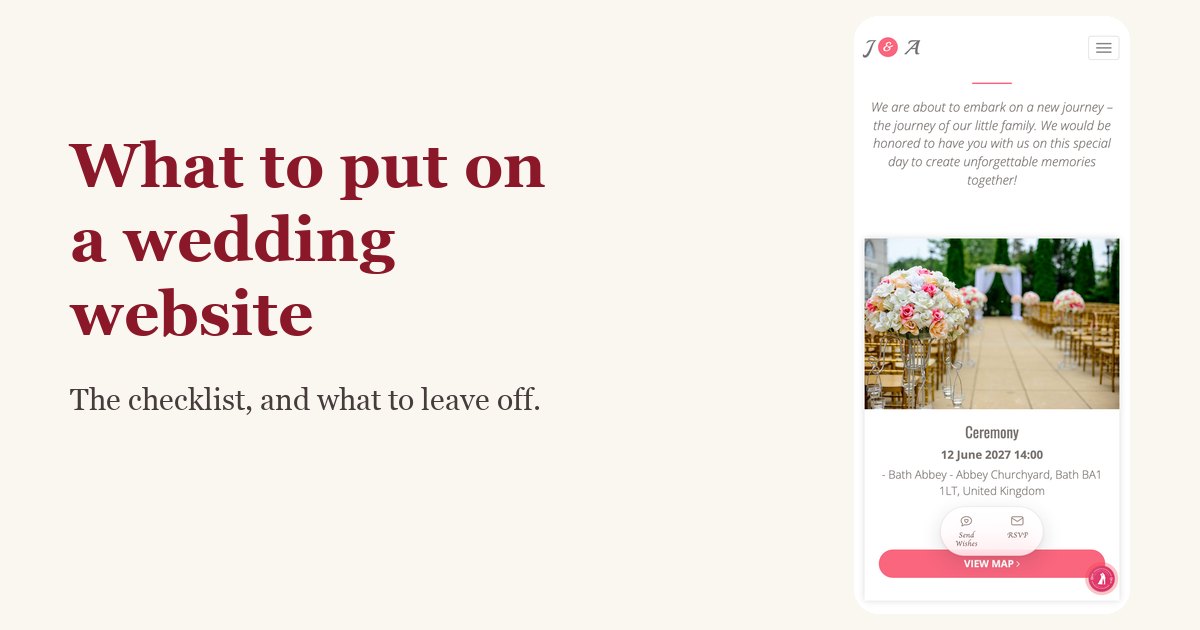
- Every event with start time, venue name, full street address and a map link.
- RSVP with a clear deadline.
- Who's invited, if it isn't obvious: are children welcome, can people bring a partner?
Strongly recommended
- Travel and accommodation for anyone coming from out of town: nearest airport or station, hotel suggestions, taxis, parking. Our guide to the wedding website travel and accommodations page covers this in detail.
- Dress code, in plain words ("garden party, flat shoes recommended" beats "semi-formal").
- A short FAQ: parking, kids, plus-ones, weather plan, whether the venue is accessible.
Nice to have
- Your story: two to four short chapters, each with a photo.
- A photo album.
- The wedding party, so guests can put names to faces.
- A guest book for wishes.
- Gift information, worded lightly. Many couples prefer to mention it on the website rather than on the invitation.
What to leave off
- Your home address, door codes and anything you wouldn't post publicly.
- Events not everyone is invited to. If the rehearsal dinner is for 15 people, tell those 15 directly, or use personal links that only show each guest their own events.
- Long essays. Guests skim. Put the practical information first and keep stories short.
A wedding website example, section by section
Here's how James and Anna's site is laid out from top to bottom, and why each part is where it is:
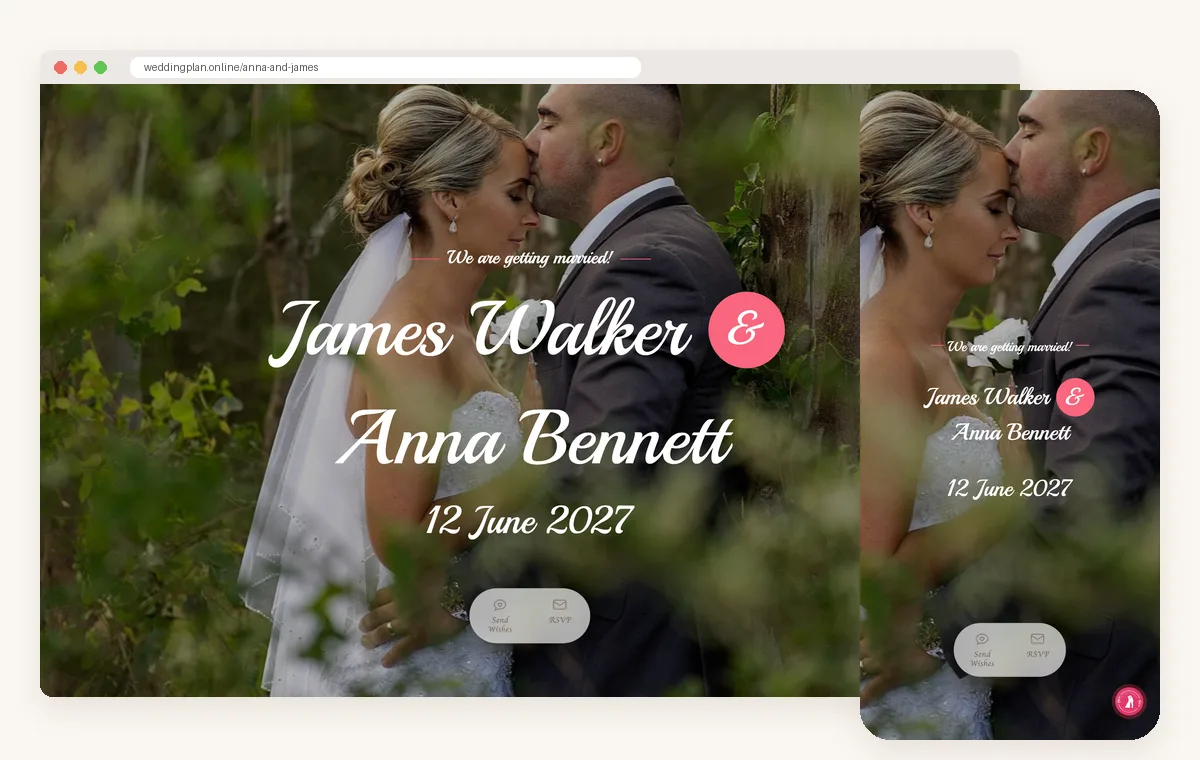
- Cover: their names, "We are getting married!" and 12 June 2027 over a photo. Guests know at a glance they're in the right place.
- Bride & Groom: a portrait and two sentences about each of them. Helpful for the guests who only know one of the two.
- Calendar and countdown: June 2027 with the 12th marked, and the days left until the wedding.
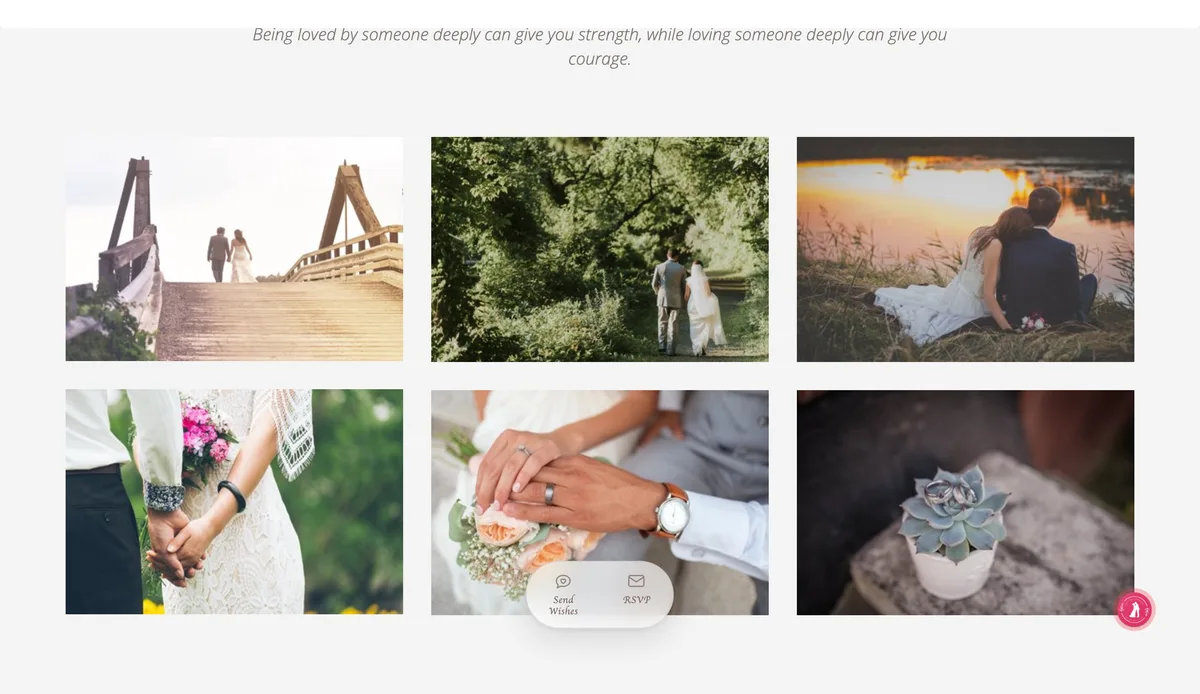
- Photo album: six photos, enough to set the mood without slowing the page.
- Love story: three dated chapters: how they met, a first trip, the proposal.
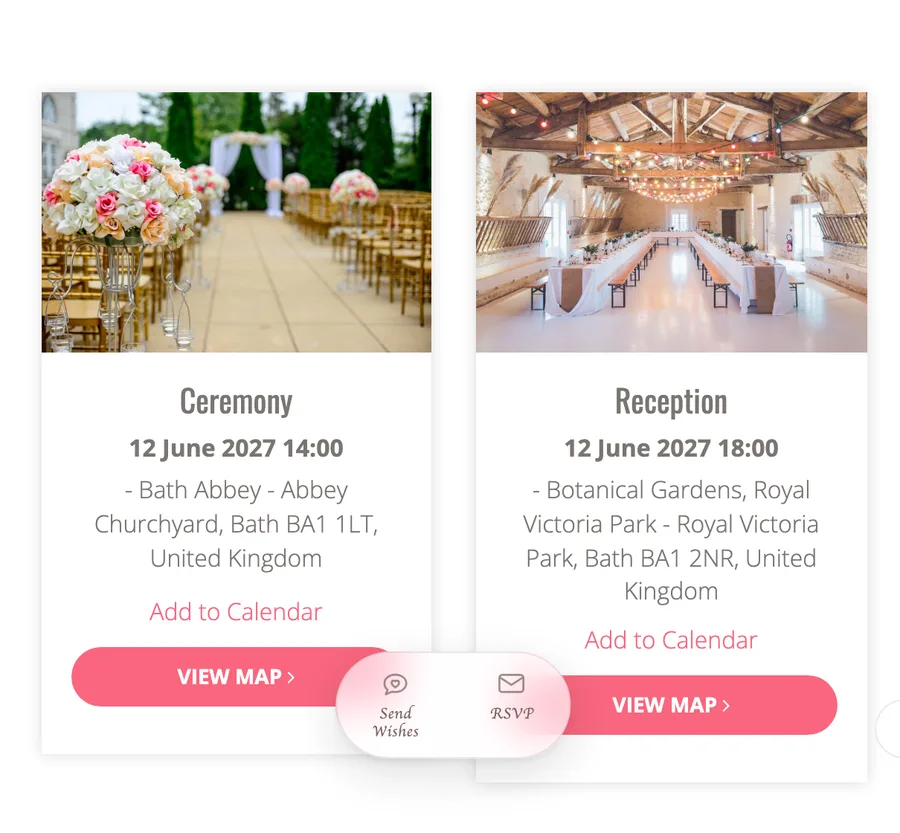
- Wedding events: the ceremony at 14:00 and the reception at 18:00, each with an address, a map and Add to Calendar.
- Wedding party: two bridesmaids and two groomsmen, one line each.
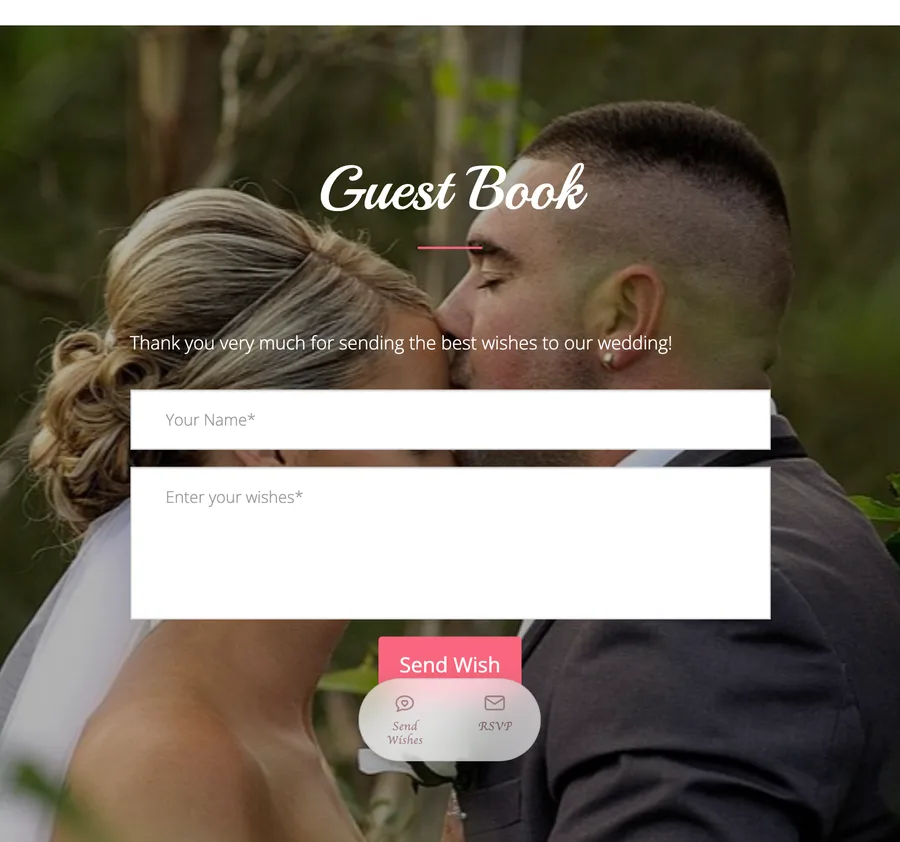
- Guest book and RSVP: a form for wishes at the bottom, and floating Send Wishes and RSVP buttons that stay on screen as guests scroll.
Notice what's missing: no long texts, no dense paragraphs of directions. The practical details sit in the event cards, and anything longer, like hotel suggestions, gets its own short section. If a section has nothing in it yet, hide it instead of leaving an empty block.
Writing the words
The text is where most couples get stuck. A few rules make it easier:
- Write like you talk. "We can't wait to celebrate with you" works better than formal invitation language on a website.
- One idea per paragraph. Guests read on phones.
- Answer questions before they're asked. If the venue is hard to find, say where to park and which entrance to use.
- For your story, pick moments, not a biography. How you met, one trip, the proposal. Three short paragraphs are plenty.
Example welcome text: "We're getting married! We'd love to celebrate with you in Bath on 12 June 2027. Everything you need is below: times, places, where to stay and how to RSVP. Please let us know by 1 May."
How to make a wedding website
With a wedding website builder, the process takes about an hour and needs no technical skills:
- Collect your content: names, date, event details, a few photos, a couple of short texts.
- Pick a design and check how it looks on a phone, since most guests will open it there.
- Choose your web address, usually your first names.
- Fill in the sections, starting with events and RSVP.
- Check it on your phone and send a test RSVP.
- Share the link.
Our step-by-step guide on how to make a wedding website walks through each step with screenshots.
Choosing a builder
Most wedding website builders do the basics well. The differences that matter:
- Mobile design: open the sample site on your phone before you choose.
- RSVP features: can you see who hasn't answered? Can you send each guest their own link?
- How long the site stays online and what the free plan really includes.
- Languages, if some guests don't read English.
- Branding and ads: some free sites show the builder's logo or ads to your guests.
- Whether it connects to your planning tools, so RSVPs land in the same guest list you use for seating and catering.
Your web address
Choose something short and easy to say out loud: anna-and-james, annaandjames2027, the-walker-wedding. Avoid unusual spellings and long strings of numbers. Settle it before you print anything; changing it later breaks printed links and QR codes.
Sharing it with guests
A wedding website only works if guests know where it is. Our guide on how to share your wedding website with guests has wording you can copy. The usual places:
- Save-the-dates: "Details to follow at weddingplan.online/anna-and-james".
- Invitations: the web address in small print, or a QR code that opens the site.
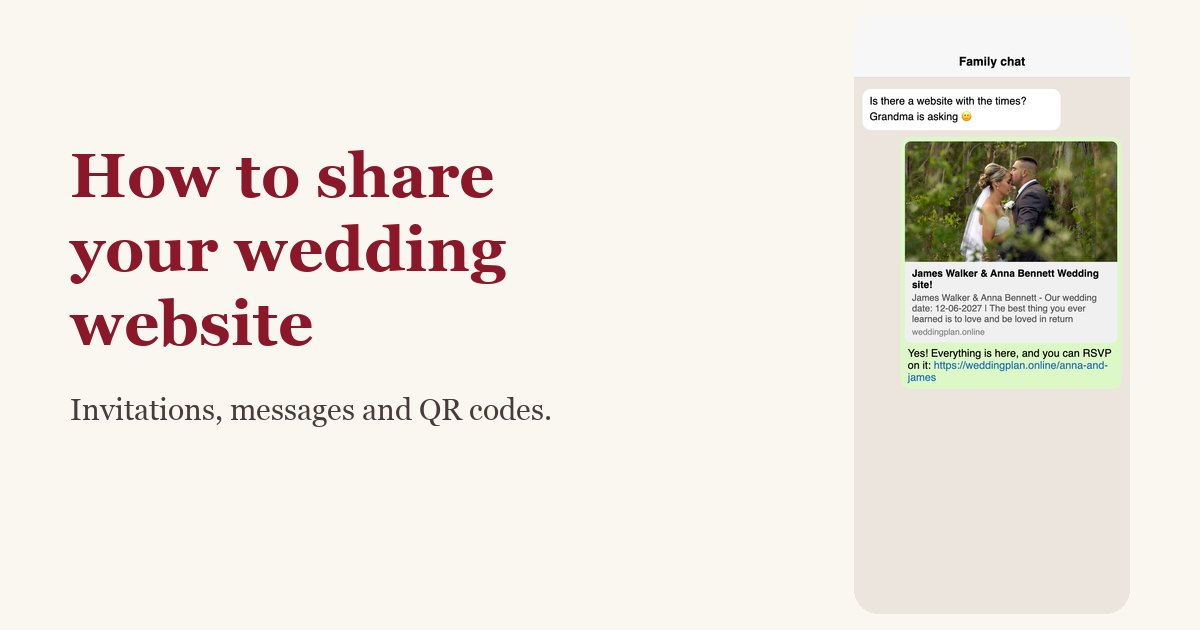
- Messages: paste the link into the family group chat, WhatsApp, email or a text. Send it directly to older relatives too.
- On the day: a QR code on a welcome sign so guests can check the schedule or leave a message.
For a more personal touch, send each guest their own link. They see an invitation with their name on it, and their RSVP is recorded against their entry on your list. Here's how a personalized wedding website link for each guest works.
RSVPs
Collecting RSVPs online is the biggest time saver a wedding website offers. To make it work:
- Set a deadline about 4 to 6 weeks before the wedding, or whenever your caterer needs final numbers. Put it on the invitation and on the site.
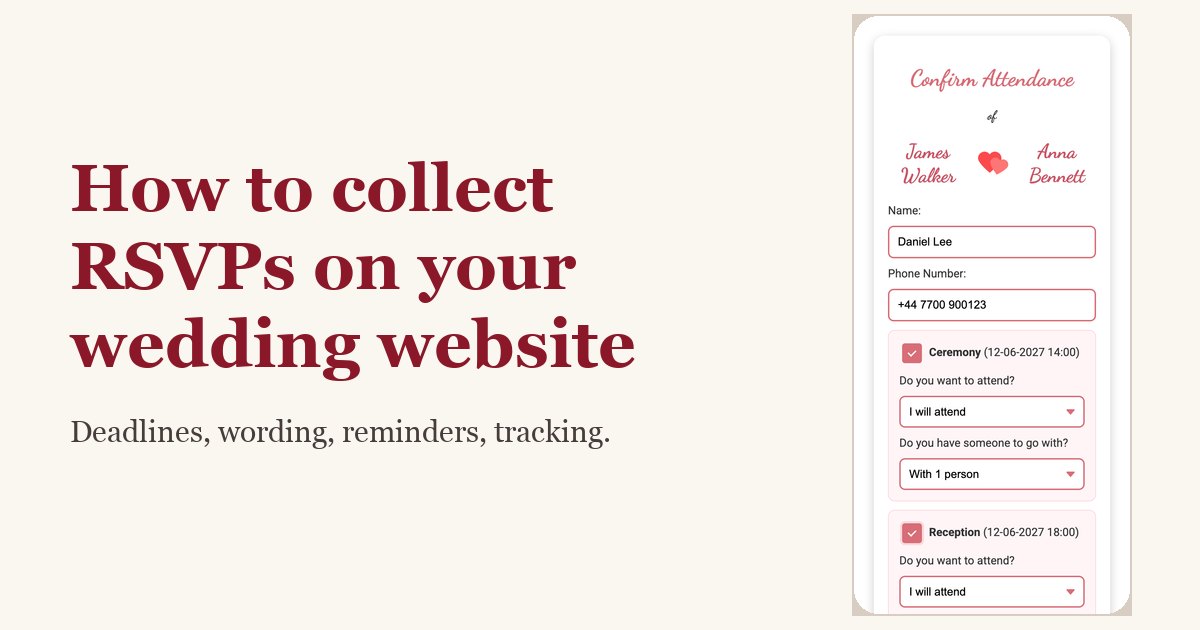
- Ask for the headcount, not just yes or no: "Alone" or "With 2 people" tells you who is actually coming.
- Decide who can reply. An open form is simplest. If your list is fixed, limit RSVPs to guests on your list. In Wedding Plan this is the "Only guests on the list" setting.
- Follow up about two weeks before the deadline with anyone still marked as awaiting a reply.
Our guide to wedding website RSVPs has more detail and reminder wording. Replies go straight to your wedding guest list, where you can see who has confirmed, who declined and who hasn't answered yet.
Privacy: who can see your wedding website?
A wedding website is usually public: anyone with the link can open it. What varies between builders is whether search engines can find it and whether you can add a password.
- Search engines: couple websites on Wedding Plan carry a "noindex" tag, which asks Google and other search engines not to list them. Strangers searching your names won't land on your site.
- Passwords: Wedding Plan sites don't have one. If you need a lock, keep sensitive details off the site and share them privately.
- Forwarded links: guests may forward your link. Write the site so it's fine if a few extra people see it.
Guests who speak another language
For international families, language matters. Pick the language for your site's buttons and headings (Wedding Plan offers 34), then write your own texts in both languages where it counts: the welcome, the events and the travel notes. Keep it short in each language rather than translating every word of your story.
Nice extras
- Countdown: many designs show days, hours and minutes to the wedding, which guests (and you) enjoy watching tick down.
- Calendar and "Add to Calendar": guests save the event in their phone's calendar in one tap.
- Music and effects: background music or falling petals. Lovely for some couples, distracting for others. On Wedding Plan this is a paid feature.
- Guest book: guests leave wishes on the site, and you keep them.
- Video: embed a pre-wedding video if you have one.
When to make and share it
| When | What to do |
|---|---|
| 6–12 months before | Create the site with names, date and city. Share it with your save-the-dates (9–12 months for destination weddings). |
| 2–3 months before | Add full event details, travel and accommodation, FAQ. Turn on RSVP and send invitations with the link. |
| 4–6 weeks before | RSVP deadline. Remind anyone who hasn't replied. |
| 1 week before | Final check: times, addresses, weather plan, parking. |
| After the wedding | Read the guest book, add a thank-you note and a few photos. |
One thing to plan around: how long your builder keeps the site online. On Wedding Plan's free plan, the site stays online for 3 months; VIP keeps it for a year and SUPER VIP for life. On the free plan, create the site closer to the wedding, or upgrade if you want it live from the save-the-dates onward.
How much does a wedding website cost?
Many builders, including ours, have a free plan that covers the essentials: a design, events with maps, RSVP and a guest book. Paid plans typically add more designs, more photos, music, gift features, a longer time online and no builder branding. For Wedding Plan, the plans compare like this:
| Free | VIP | SUPER VIP | |
|---|---|---|---|
| Events, map, RSVP, guest wishes | Yes | Yes | Yes |
| Website designs | 4 | 15 | 37 |
| Photos in the album | 6 | 20 | 50 |
| Website stays online | 3 months | 1 year | Lifetime |
| Music, gift box, switch design later | No | Yes | Yes |
| No Wedding Plan branding | No | No | Yes |
Limits can change, so check the current plans before you decide. Browse the wedding website templates to see which designs are free.
Wedding website ideas
A few ideas couples like, all easy to do:
- A "How we met" timeline with one photo per chapter.
- A local guide for out-of-town guests: your favourite café, a walk, where to get breakfast the morning after.
- "Meet the wedding party" with one line about each person.
- A day-of schedule with times, so guests know when to arrive, when dinner is and when the last bus leaves.
- A song request line in your FAQ ("Tell us the song that gets you dancing when you RSVP").
- A thank-you page after the wedding with a few favourite photos.
Common wedding website mistakes
- Sending the link before the details are right. First impressions stick. If the time on the site is wrong for a week, some guests will remember the wrong time.
- Only a venue name, no address. "The Old Barn" is clear to you and a mystery to a taxi driver. Add the street address and a map link to every event.
- No RSVP deadline. Without a date, replies trickle in until the week of the wedding.
- Changing the web address after printing. QR codes and printed links on invitations will stop working.
- Forgetting to tell guests about updates. The site updates instantly, but guests don't check it daily. For important changes, like a new start time, send a short message as well.
- Too much on one page. If guests have to scroll past a long story to find the time, put the events higher or the story shorter.
FAQ
What is the purpose of a wedding website?
To give guests one place for every detail (dates, times, venues, travel, RSVP) and to save you from answering the same questions over and over. It also lets you share your story and collect wishes.
Is a wedding website the same as a wedding invitation?
No. An invitation, paper or digital, invites people and gives the key details. The website is the reference they come back to for everything else. Most couples put the website link or a QR code on the invitation.
When should you make a wedding website?
Create it when you send save-the-dates, usually 6 to 8 months before the wedding, and fill in the full details by the time the invitations go out.
Do older guests use wedding websites?
Many do, especially if you send the link directly in a message rather than only printing it. For guests who don't, offer to RSVP for them and make sure key details are also on the paper invitation.
Can I make a wedding website for free?
Yes. Free plans cover the essentials. Check how long the site stays online and whether the builder shows its own branding to your guests.
Next steps
Ready to make yours? Follow our guide on how to make a wedding website, or start right away with the free wedding website builder. While you're at it, a wedding checklist and a wedding budget planner keep the rest of the planning on track.