Do You Need a Wedding Website? (And When to Make One)
Do you need a wedding website? An honest look at who benefits, who can skip it, a quick decision checklist, and when to make and share your site around save-the-dates and invitations.
Do you need a wedding website? Not always. If all your guests live nearby, there's one event and a group chat already holds everyone, you can skip it and nobody will miss it. But once guests travel, there's more than one event or you're chasing RSVPs from more than a few dozen people, a simple site saves you hours of repeat questions.
This guide gives you the honest version: who gets real value from a wedding website, who doesn't, a quick checklist to decide, and when to make it and share it so it lines up with your save-the-dates and invitations.
Disclosure: Wedding Plan makes a wedding website builder, and the screenshots come from it. The advice on whether and when to make a site applies to any builder.
Do you need a wedding website? The short answer
A wedding website isn't required. It's a tool for one job: giving every guest the same correct details in one place, and collecting their replies. If that job is small, a message does it. If it's big, a site does it better.
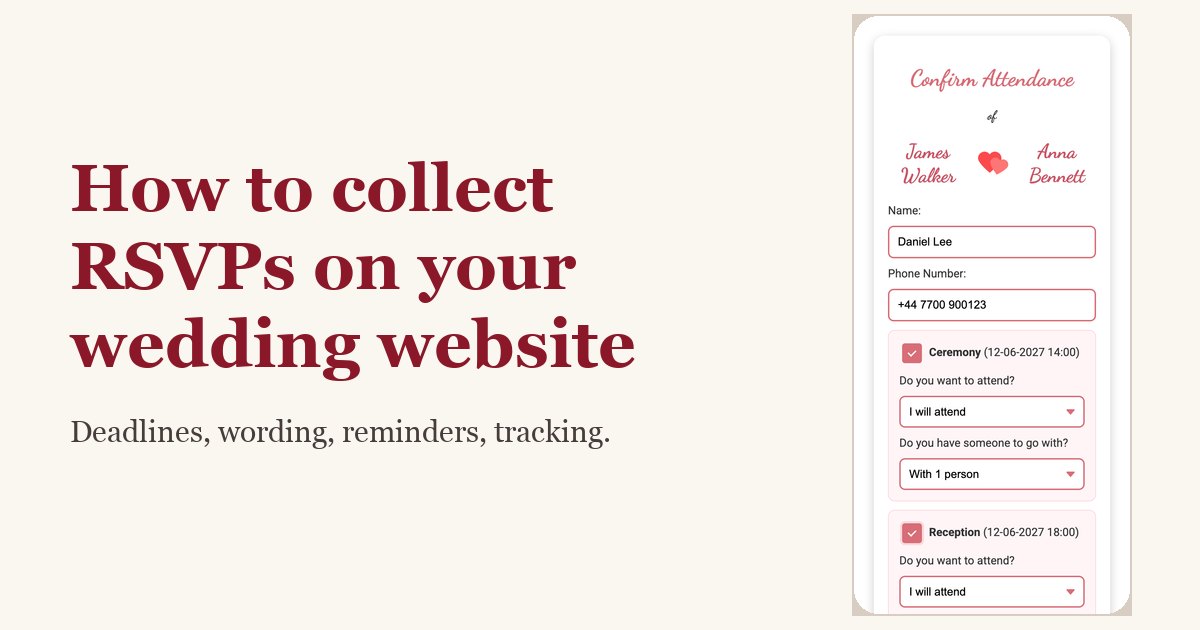
A site does three things well: guests stop asking the same questions, RSVPs arrive in one list, and when something changes you update one page instead of messaging 80 people.
Who really benefits from a wedding website
You'll probably be glad you made one if any of these sound like your wedding:
- Guests are travelling. Out-of-town guests need the address, a map, the start time and somewhere to stay, and they'll look it up more than once. A site holds all of it at one link. Our guide to the wedding website travel and accommodations page covers what to include.
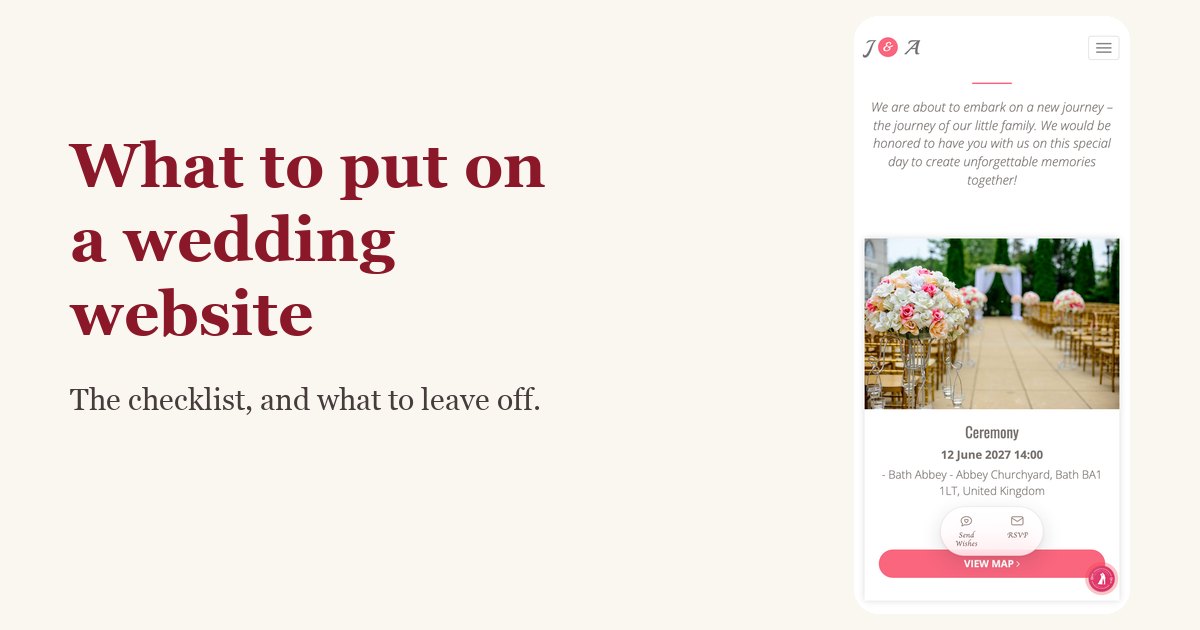
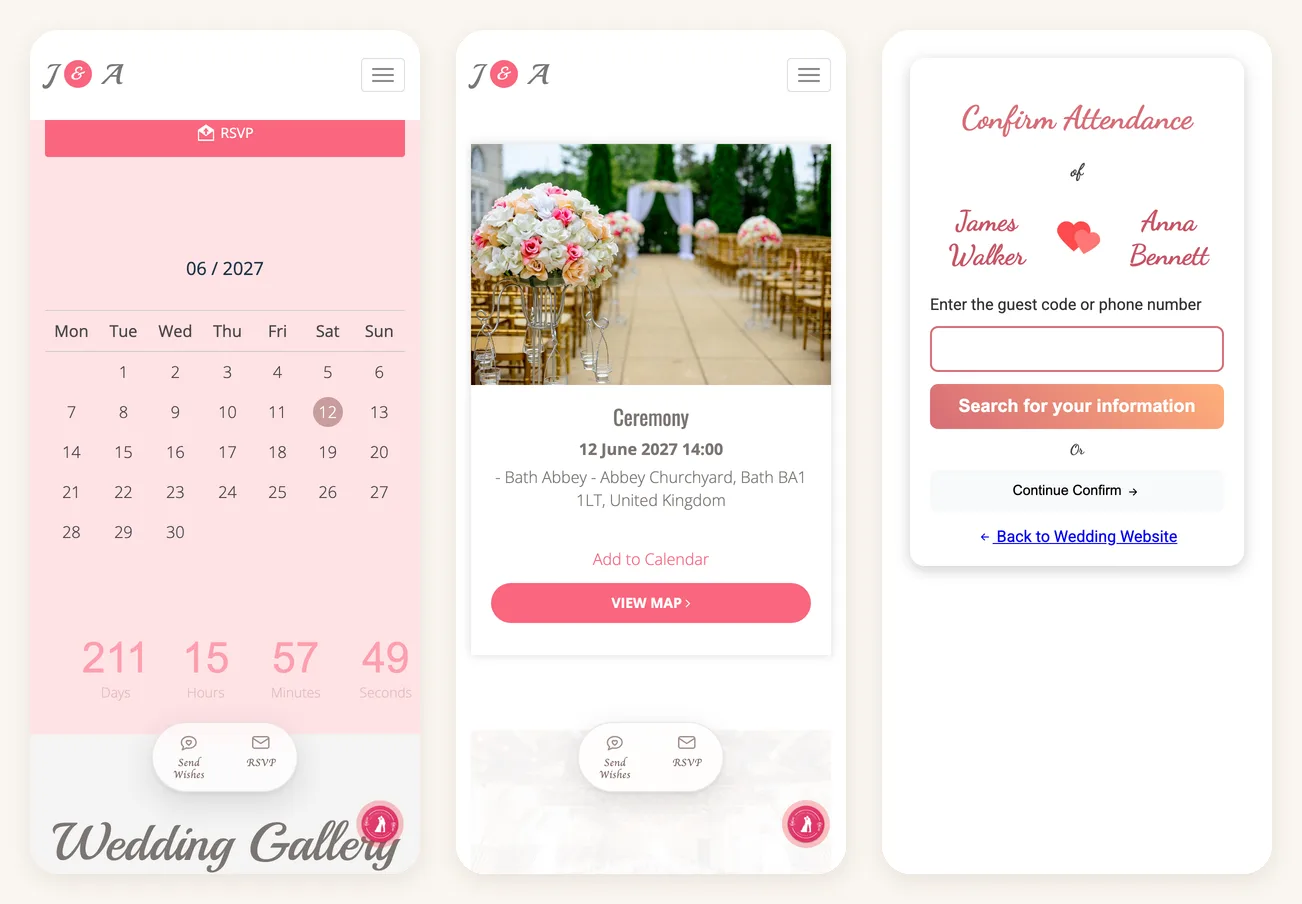
- There's more than one event. Ceremony in one place, reception in another, welcome drinks the night before. Each event gets its own time, venue and map button, so nobody turns up at the wrong one.
- The guest list is big. Past roughly 50 guests, answering "what time does it start?" one by one gets old fast. One link answers it for everyone.
- You need RSVPs you can count. Caterers want numbers. Replies through the site land in one list with how many people are coming, rather than in five different chat apps.
- Details might change. Venue still being confirmed, timings not final, a backup plan for rain. You edit the site and every guest sees the latest version at the same link.
- Guests speak different languages or live in different countries. A site works in any browser, with no app or account, and you can set its buttons and headings to the language most of your guests read.
When you can skip it
A wedding website is optional, and for some weddings it's simply extra work:
- Elopements and micro weddings. If it's the two of you plus a handful of people, a phone call or one message is warmer and faster.
- Everyone is in one group chat. If every guest is already in a single family or friends chat, pin a message with the date, time and address and you're done.
- One event, one local venue, a fixed list. A paper invitation with an RSVP card or a reply-by-text line covers it. A digital invitation can do the same job; see digital wedding invitation vs wedding website for the difference.
- You'd rather not put details online. Most wedding sites have no password; anyone with the link can open them. If that bothers you, stick to private messages.
Skipping the site doesn't mean skipping the planning. You still need a wedding guest list to track who's coming, and a clear message with the essentials.
Is a wedding website necessary? A quick checklist
Tick the ones that apply to you:
- More than about 40 guests.
- At least some guests need to travel or book a hotel.
- More than one event or venue.
- You want RSVPs and head counts in one place.
- Some details aren't final yet.
- Guests are spread across countries, languages or generations.
- You'd like a place for photos, your story or guest wishes.
0 to 1 ticks: you don't need one. A message or paper invitation is enough. 2 to 3: a simple one-page site with the date, events, a map and RSVP will save you time. 4 or more: make one, and make it early.
When to make a wedding website
The best time to make a wedding website is just before you need to share it. For most couples that means one of two moments: the save-the-dates or the formal invitations.
| When | What to do with the site |
|---|---|
| 9 to 12 months before (destination weddings) | Publish a basic site with the date, place and travel tips, and put the link on your save-the-dates. |
| 6 to 8 months before | Usual time for save-the-dates. Date, city and "full details to follow" is enough for now. |
| 2 to 3 months before | Add every event with times, addresses and maps. Check it on your phone. |
| 6 to 8 weeks before | Formal invitations go out with the link or QR code. RSVPs open. |
| 3 to 4 weeks before | RSVP deadline. Chase the missing replies and give final numbers to your venue. |
| Wedding week | Last updates: weather plan, parking, timings. Guests check the site on the day. |
You don't have to finish the site before you share it. Publish what you're sure of and add the rest as it's confirmed.
Save-the-dates vs invitations: where the link goes
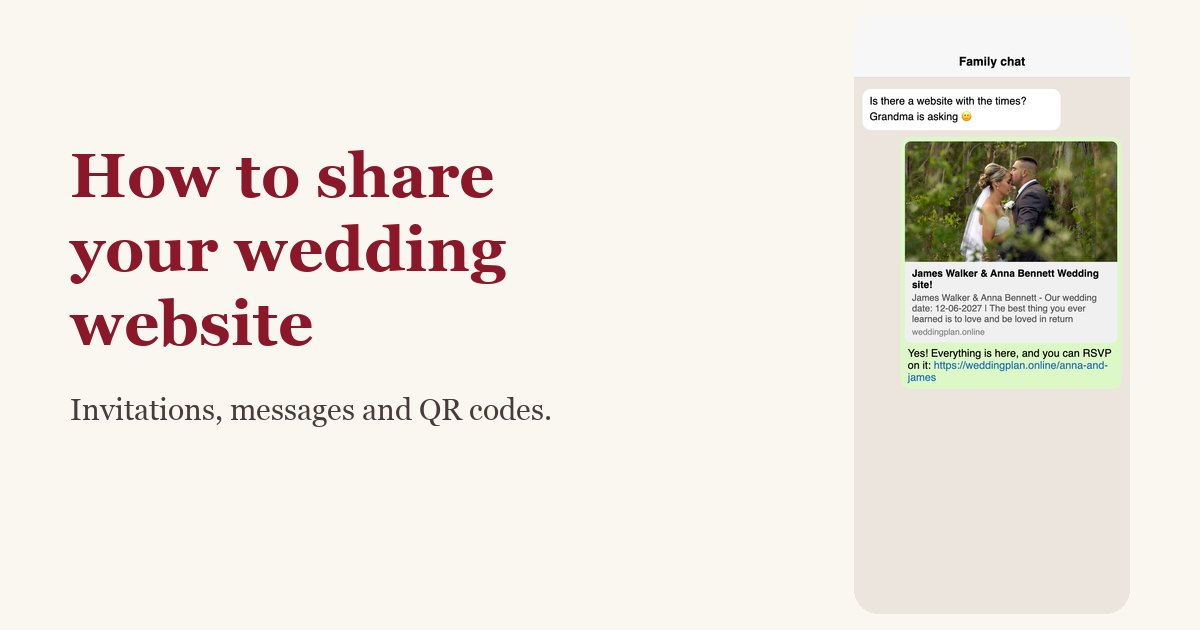
If you send save-the-dates, put the link on them. That's the moment people start booking time off and travel, so it's when they need somewhere to check. If you skip save-the-dates, the site goes out with the invitations, and the invitation itself can stay short: names, date, place and "details and RSVP at" the link or a QR code.
Destination weddings: earlier, and more detail
Guests flying in need months, not weeks. Share the site 9 to 12 months ahead with the date, the nearest airport, rough costs and hotel suggestions, then add the full schedule later. For this kind of wedding, the site isn't a nice extra. It's how guests plan their trip.
On the free plan, timing matters
On Wedding Plan's free plan, your wedding website stays online for 3 months. VIP keeps it up for 1 year and SUPER VIP for life. Three months comfortably covers the stretch from formal invitations to the wedding day. It won't cover a site you share a year ahead with the save-the-dates.
So if you're staying on the free plan, create the site about 2 to 3 months before the wedding and send it with your invitations. Use a message or a paper card for the save-the-dates. If you want the site up from the save-the-dates onward, or online after the wedding for photos and wishes, choose a paid plan.
If you make one, keep it simple
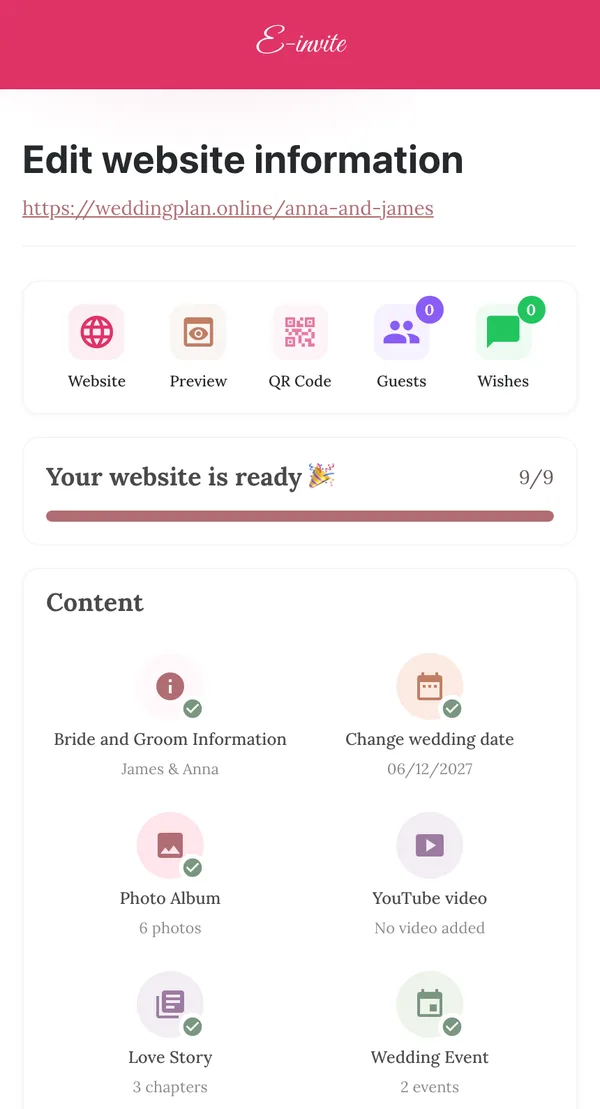
A useful wedding website needs less than you think: your names and date, each event with its time, full address and a map link, an RSVP button with a deadline, and travel notes if guests are coming from away. Photos, a love story and a guest book are nice extras. If you want each guest to see their own name and reply to their own entry, see how personalized invitation links work.
FAQ
Do you need a wedding website if you have paper invitations?
Not if the invitation holds everything guests need and you're happy collecting replies by card or text. A site helps when there's more detail than fits on a card, or when you want all RSVPs in one list.
Is it rude not to have a wedding website?
No. What matters is that guests get the date, time, address and a way to reply, however you send it.
How early is too early to share a wedding website?
Before you've fixed the date and city, it's too early. After that, sharing a basic version early is fine, as long as your site will stay online until the wedding.
Is a free wedding website enough?
For most weddings, yes. Wedding Plan's free plan includes events with maps, RSVP, guest wishes, a 6-photo album and 4 designs. The main limit is time: the site stays online for 3 months, so plan when you create it.
Next steps
If the checklist says yes, the next step is building it. Our guide on how to make a wedding website walks through every step with screenshots, from choosing a design to sharing the link and QR code. When you're ready, start with the free wedding website builder, and keep the rest of your planning on track with the wedding checklist.